
Guide: How to Download Document Through DigiLocker
Introduction
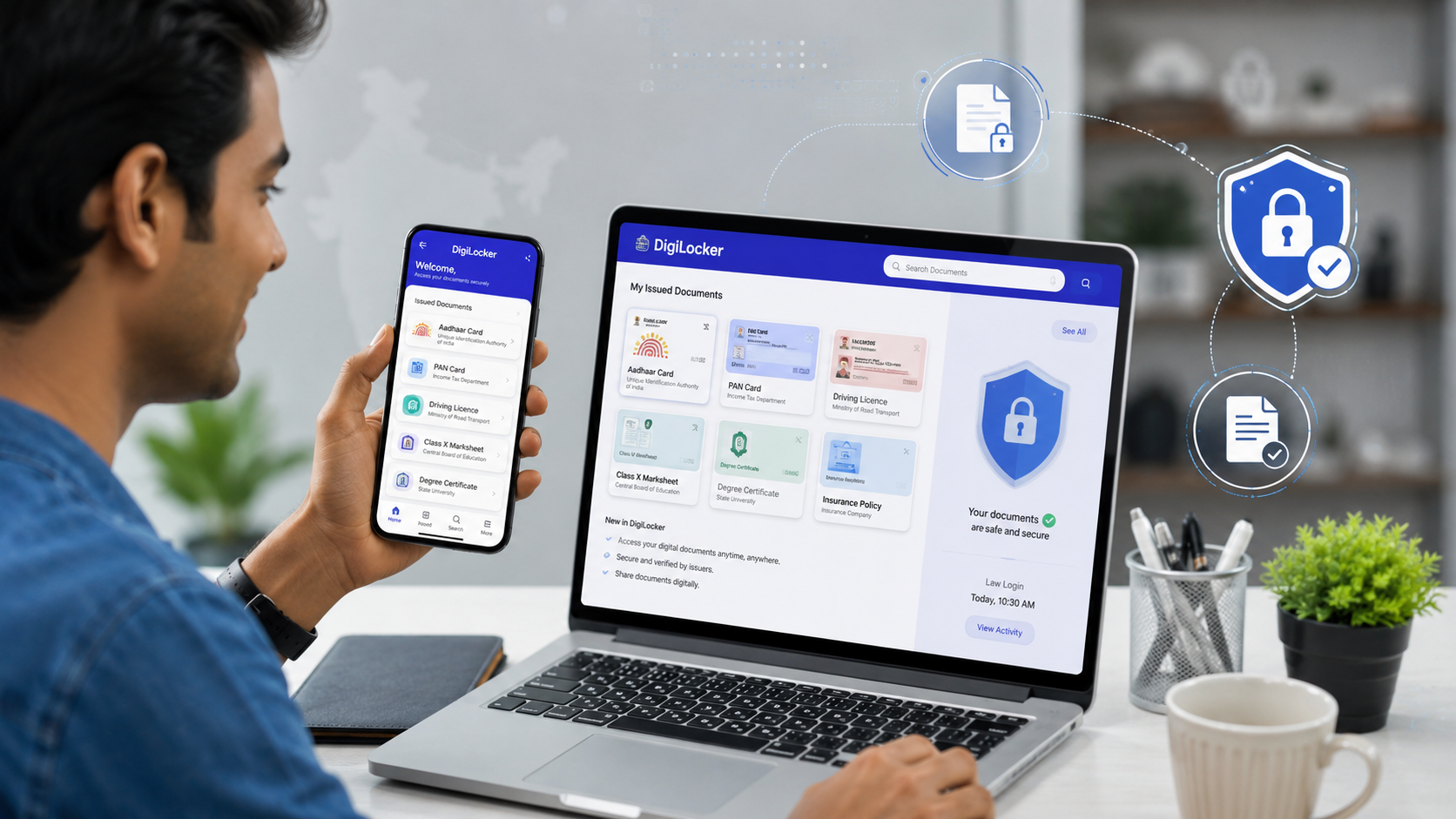
Need your Aadhaar card, PAN card, Driving Licence, or mark sheet instantly? Instead of searching through files or visiting government offices, you can download verified digital documents directly from DigiLocker in just a few minutes.
DigiLocker is an official cloud-based platform launched under the Government of India’s Digital India initiative. It securely stores and provides access to digitally verified documents from multiple government departments, educational institutions, and transport authorities. This guide explains exactly how to download your document through DigiLocker, along with important tips, supported documents, and troubleshooting solutions.
What is DigiLocker?
DigiLocker is a secure digital document wallet developed by the Government of India that allows citizens to store, access, verify, and download official documents such as Aadhaar, Driving Licence, PAN Card, vehicle registration certificates, educational certificates, and other government-issued records online.
What Happened?
More government departments, universities, and public agencies are now issuing digital documents directly through DigiLocker. Citizens can use these verified documents for admissions, job applications, travel, banking, and government services without carrying physical copies in many situations.
As digital governance expands across India, understanding how to download documents through DigiLocker has become increasingly important.
Complete Details
Step 1: Visit DigiLocker
Open:
Official Website
https://www.digilocker.gov.in
or install the official DigiLocker app from Google Play Store or Apple App Store.
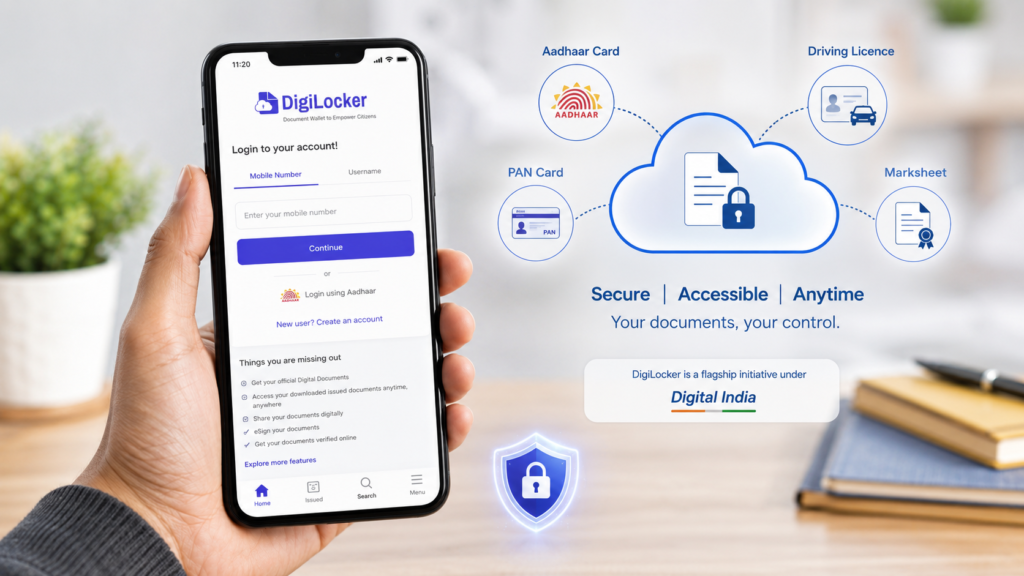
Step 2: Login
You can log in using:
- Mobile Number
- Aadhaar-linked Mobile Number
- Username
- Security PIN
- OTP Verification
If you’re a new user, create an account using your Aadhaar or mobile number.
Step 3: Go to “Issued Documents”
After logging in:
- Dashboard
- Issued Documents
- Search Document
You’ll see documents already linked with your account.
Examples include:
- Aadhaar
- PAN Card
- Driving Licence
- Registration Certificate (RC)
- Insurance Documents
- Educational Certificates
- Income Certificate
- Birth Certificate (where available)
Step 4: Search for Your Document
If the document isn’t already available:
- Click Search Documents
- Choose the issuing department.
- Enter required details.
- Click Get Document.
The issuing authority will verify your information and automatically add the document to your DigiLocker account.
Step 5: Download the Document
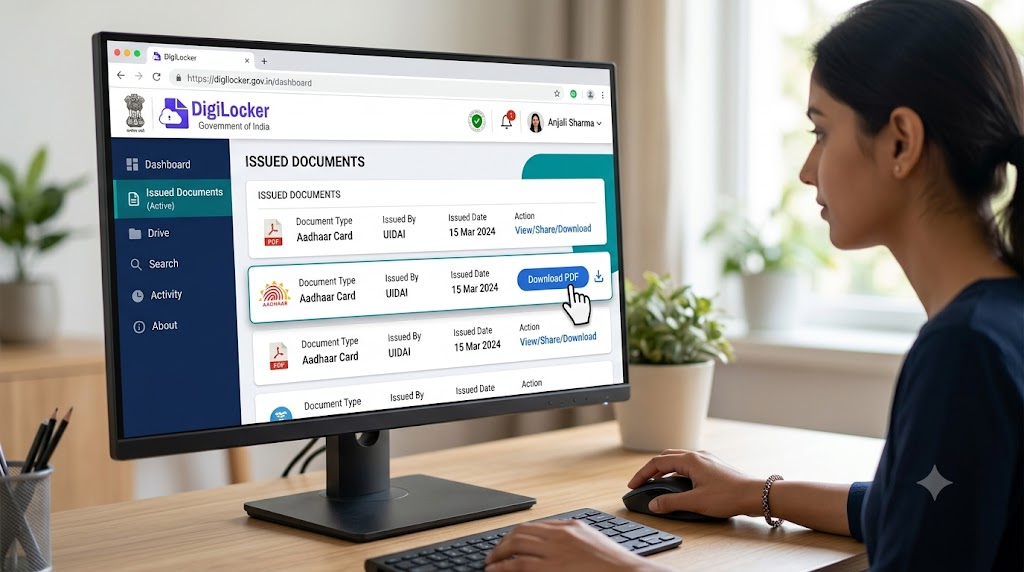
Once the document appears:
- Open it.
- Click Download PDF.
- Save it to your phone or computer.
The downloaded copy includes secure verification features.
Documents Available in DigiLocker
Some commonly available documents include:
- Aadhaar Card
- PAN Card
- Driving Licence
- Vehicle RC
- Insurance Certificate
- CBSE Mark Sheets
- University Certificates
- Birth Certificate
- Vaccination Certificates
- Pension Documents
- Income Certificate
- Caste Certificate (in supported states)
Availability depends on the issuing authority.
Comparison Table
| Physical Document | DigiLocker Document |
|---|---|
| Can be lost | Stored securely online |
| Requires photocopies | Easily downloadable |
| Difficult to carry | Accessible anytime |
| May fade over time | Permanent digital copy |
| Manual verification | Digitally verified |
Why This Matters
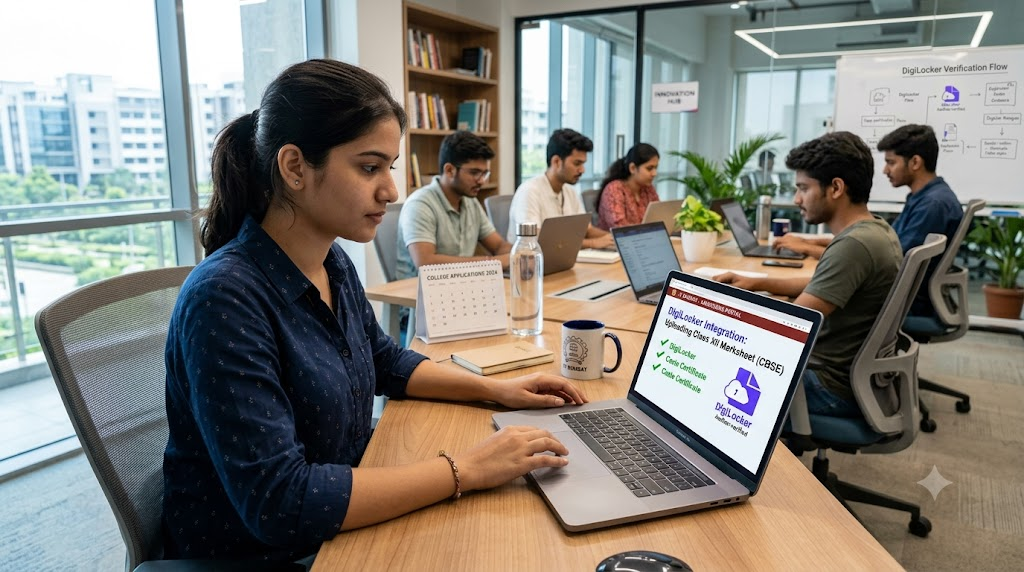
Digital documents save both time and effort.
Benefits include:
- Instant access
- Government-recognized documents
- Reduced paperwork
- Secure cloud storage
- Easy sharing
- Useful during emergencies
- Accepted by many government agencies
For students, job seekers, and travelers, DigiLocker significantly simplifies document management.
Public / Expert Perspective
Digital governance experts consider DigiLocker one of India’s most successful Digital India initiatives.
Several government agencies now integrate DigiLocker for:
- Online verification
- Recruitment
- Admissions
- Driving licence verification
- Identity verification
Its adoption continues to increase as more organizations accept digitally verified documents.
Important Facts
- DigiLocker is operated under the Government of India.
- Documents are digitally verified.
- Many government-issued documents are legally valid in digital form.
- Documents remain accessible 24×7.
- Login requires OTP verification for security.
- Users should never share OTPs or passwords with anyone.
Troubleshooting
Document Not Showing?
Possible reasons:
- Issuing department not connected.
- Incorrect details entered.
- Document not yet issued.
- Temporary server delay.
Forgot Password?
Use the Forgot Username/Password option and verify using OTP.
Mobile Number Changed?
Update your mobile number through the account settings after completing identity verification.
FAQs
1. Is DigiLocker free?
Yes. DigiLocker is completely free for Indian citizens.
2. Are DigiLocker documents legally valid?
Yes. Digitally issued documents available through DigiLocker are accepted by many government departments and institutions, subject to applicable rules.
3. Can I download Aadhaar from DigiLocker?
Yes. Aadhaar can be downloaded if it is linked to your DigiLocker account.
4. Can I use DigiLocker without Aadhaar?
Yes. You can create an account using a mobile number, though linking Aadhaar enables additional features.
5. Is DigiLocker safe?
Yes. DigiLocker uses secure authentication, encrypted storage, and OTP-based verification to protect user data.
Why You Should Use DigiLocker
Using DigiLocker offers several advantages:
- No need to carry physical documents.
- Easy access from anywhere.
- Secure cloud storage.
- Officially verified digital records.
- Saves time during applications and verification.
Final Verdict
DigiLocker has transformed how Indians manage important documents. Instead of relying on physical copies, users can securely access verified government-issued records anytime and anywhere. Whether you need your Aadhaar, PAN card, driving licence, or educational certificates, the process is straightforward and takes only a few minutes.
As more public services move online, learning how to download documents through DigiLocker is becoming an essential digital skill. Always use the official DigiLocker website or app, keep your login credentials secure, and verify that your documents are issued by the appropriate authority before using them for official purposes.
DigiLocker Official Portal: https://www.digilocker.gov.in
For More Such Amazing Content Please Visit : https://dailykhabrein.com/

 By
By